Welcome! For you: $9.99 a month for a limited time, with 5 days free to start.
It looks like you wrote it.
Upload any worksheet. Every question answered and written onto your own PDF in real pen strokes. Start with a 5-day free trial and cancel before day 5 if it is not for you.
5-day free trial. Cancel anytime. About a minute a worksheet.
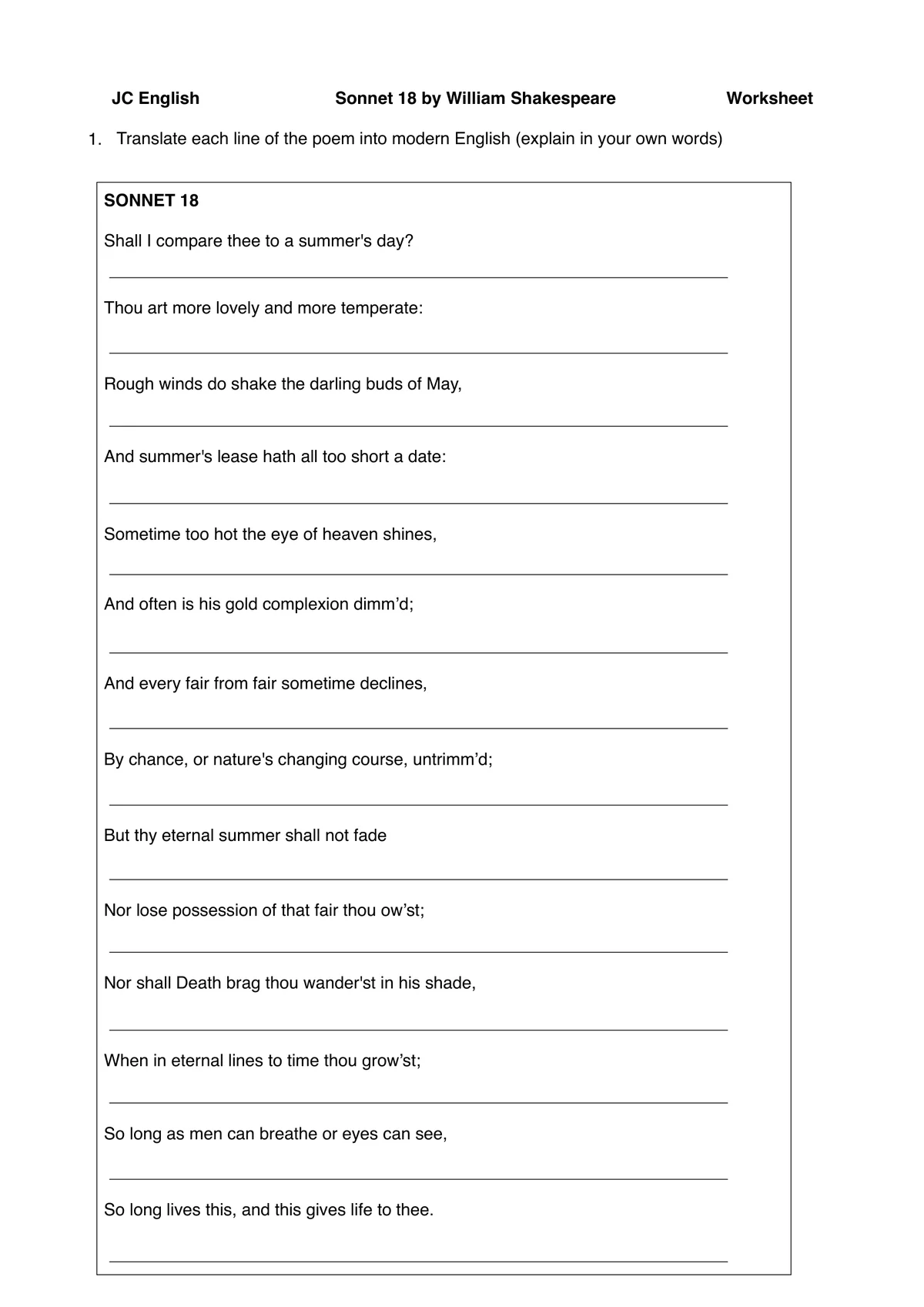
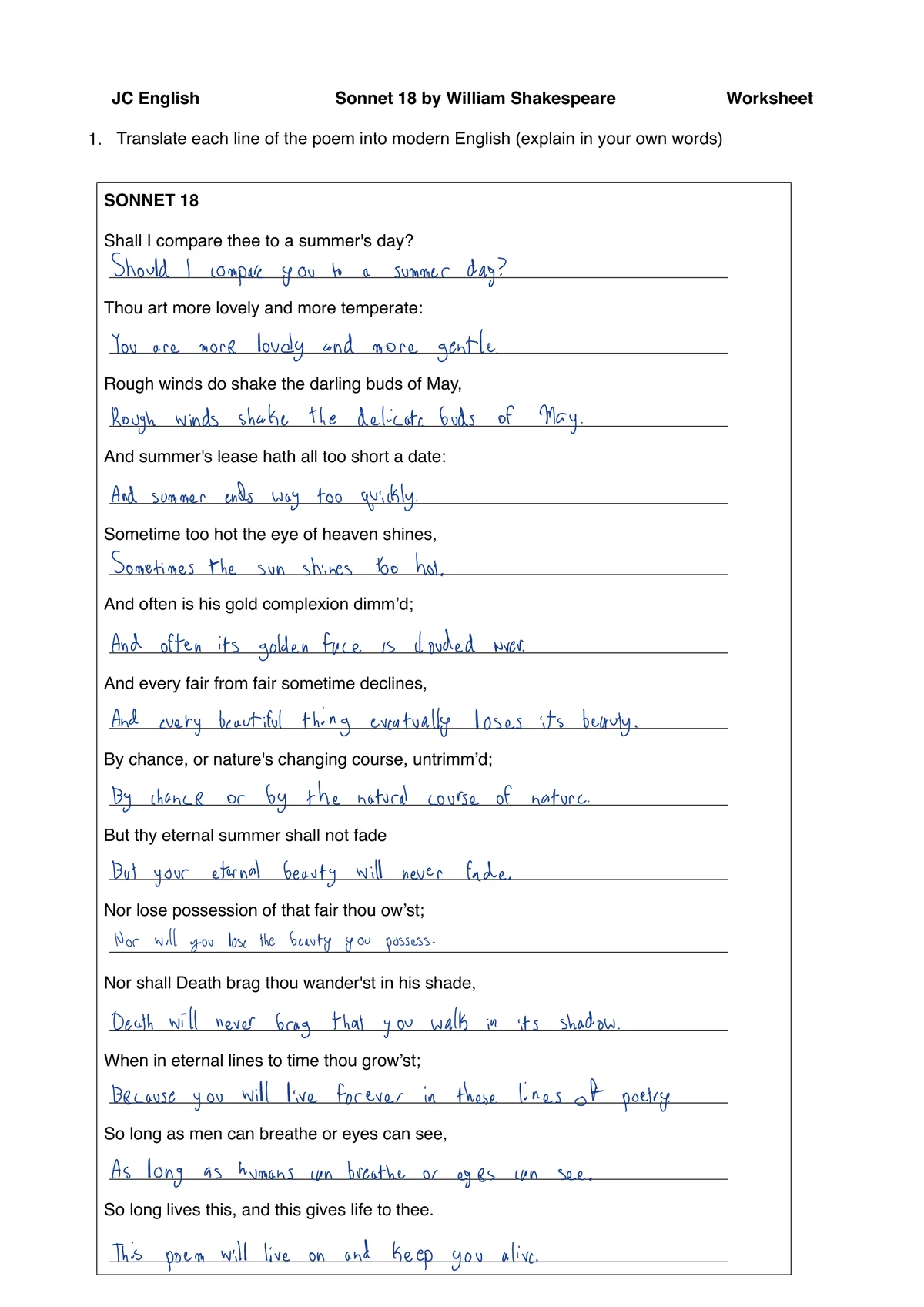
Real output on a real page. Drag the line to see it blank again.
Every letter is a stroke, not a glyph.
The writing is drawn as pen strokes in a real person's handwriting, not pasted from a font, so the baseline wanders a little the way a tired hand does. Most generators paste a font onto a line.
Drawn, not typed. Every letter is a pen stroke on the page, not a font laid over it.
Sitting on the line. Answers go on the printed rules and inside the printed boxes, where a pen would put them.
Three steps.
That's the whole thing.
No plugins, no extensions, no browser tricks. Drop in a PDF, pick a hand, and go do something better with the next three hours.
Upload the worksheet
PDFs, scans, or a photo taken in bad classroom lighting. The reader pulls every question: multiple choice, fill-in-the-blank, short answer, matching, tables.
Pick a hand
Teach it your own handwriting once, or start with ours. Prefer typed? Choose print, serif or mono. Tune neatness and ink colour until it passes for yours.
Get your PDF back
Answers are drawn onto the original document, positioned inside the real answer spaces. Download it, print it, hand it in.
Write it in your own hand.
What Fillscribe is.
Fillscribe is an AI worksheet filler. You upload a worksheet, it answers the questions, and it writes the answers onto the original page in handwriting or typed text.
- You upload
- A PDF, PNG or JPG, up to 10 MB. Scans and photos work.
- You get
- A PDF of the same pages with the answers written in.
- Handwriting
- A real person's recorded handwriting, not a font. Teach it yours; until you do, answers are typed.
- Typed
- Print, serif or mono, at the size and ink colour you pick.
- It fills
- Short answers, blanks, table cells, multiple choice, true/false and matching, plus ticks, circles, underlines, strikes and highlights.
- Price
- Plus is $9.99 a month for 100 pages. New monthly subscribers get a 5-day free trial.
More: AI worksheet filler · Question types · Your handwriting · Answer keys · Guides: does handwriting help you learn? · studying with an answer key
What is Fillscribe?
Fillscribe is an AI worksheet filler. You upload a worksheet as a PDF, PNG or JPG, it answers the questions, and it writes the answers onto the original page in handwriting or typed text. You get a PDF back.
What does it cost?
Plus is $9.99 a month for 100 pages, or $27.99 every 3 months, or $99.99 a year. Usage is counted in pages, so a 3-page worksheet uses 3. New monthly subscribers get a 5-day free trial.
How does the free trial work?
Plus starts with a 5-day free trial. You get 100 pages a month, in your own handwriting or typed, and you can cancel before day 5 and pay nothing.
Is this cheating?
That's a judgment call we don't make for you. Fillscribe is a tool, the same way a calculator is a tool. We're used most by students with dysgraphia, slow writers, multilingual students, and kids drowning in busywork. Use your conscience.
How realistic is it, actually?
The page at the top of this site is unedited output. Drag it as far as you like, then look at the magnifications underneath.
What kinds of questions can it answer?
Multiple choice, true/false, fill-in-the-blank, short answer, matching, ordering, table completion and diagram labelling. Two honest caveats: heavy maths notation is still a work in progress, and it writes what goes in the answer space rather than pages of working out.
Can my teacher tell?
We won't promise you they can't, and anyone who does is selling you something. What we will say: the output is a clean PDF with no digital artefacts, and the handwriting holds up to a normal read.
Do you store my worksheets?
An AI service reads your upload to answer it. We do not keep a library or history of worksheets, and the finished PDF is held for up to 30 minutes so you can download it, then deleted. We keep usage counts and your settings, and your handwriting recording if you teach it your own.
Upload one worksheet.
See it for yourself.
A worksheet takes about a minute. Start with a 5-day free trial and cancel anytime.